
So, I was recently reading this one article on how restaurant technology is going to be massive in 2026 or like how it will take center stage in restaurant success this year, and there was this line that Gary Occhiogrosso had written: “Restaurant technology is no longer a side project, a trade show attraction, or a nice extra for larger brands. It has become central to profitability, speed, consistency, guest retention, and decision-making.”
For this particular piece I am writing today, I would like to emphasize “larger brands” because we all know very well how running one location is very, very different from running an enterprise with, let’s say, 20, 50, or even 100 outlets because at that scale, every menu update, inventory variance, labor schedule, customer interaction, financial report, and yes, even risk are multiplied across the business. And so every decision you take, every staff member you bring in, every tech you invest in does have a significant impact.
And that’s where enterprise restaurant management software becomes a strategic investment.
As restaurant businesses grow, they need a more unified platform – one that could centralize their POS, inventory, procurement, workforce management, and kitchen operations together on the back end, and also unify CRM, loyalty, and every other guest-facing touchpoint on the front end. But, and this is a big but, how do you decide which of the 100s of tools available in the market does that for you?
Let me solve that issue for you in this guide. Here, I will help you identify and evaluate some of the best enterprise restaurant management software scalable out there so you can make the ‘right’ choice.
My Top Picks
| Best Overall: Restroworks. It’s one dedicated platform you’d need for billing, inventory, kitchen ops, online ordering, and analytics, and everything else in between. Best Choice If You’re Consistently Struggling With High Food and Labor Costs: Crunchtime. Best for Keeping the Books Honest: Restaurant365. Here, accounting is built into operations, so cost variances show up same-day. Best for High-Volume and Venue Operations: Oracle (Simphony). And it’s as useful in stadiums, theme parks, and hotel chains as it is in restaurants. Best If You’re Planning for Quick Multi-Geography Expansion: Restroworks, again my pick here. Best for a Connected Tech Ecosystem: PAR Technology. Best Choice If You Want to Take Your Guest Experience to the Next Level: SevenRooms. |
The Criteria I Used to Come Up With This List
Nearly every restaurant management platform in the market promises to help you –
- Streamline your operations
- Give you centralized visibility into the process
- Improve efficiency, and
- Help your restaurant grow (faster and sustainably)
But, again, isn’t that the problem? Every tool claims to do the exact same thing…so how do you and I know which one fits the criteria?
And that’s why when I was consolidating this list, I went through the landing pages and review sites like G2 and Capterra for each platform, and every time I asked myself this one question: Can [X – the particular tool I was analyzing at the moment] handle the complexity of enterprise restaurant operations, and can it continue to do so (support the business) as it scales further?
After a detailed comparative analysis of each platform on these 5 factors –
- Core capabilities – restaurant-specific features
- Enterprise readiness
- Scalability
- Implementation experience (as per customer feedback)
- Broader market adoption
The tools that finally stood out to me were:
| Restaurant Management Software | Best For | User Ratings | Standout Feature | Notable Clients |
| Restroworks | All-in-one restaurant management from a single system. | G2: 4.8 Capterra: 4.9 | BFCD architecture (Brand, Format, Cluster, Deployment) paired with a commission-free digital ordering suite, so cost control and direct revenue run on the same platform. | Subway, Taco Bell, Nando’s, Denny’s, Belgian Waffle, Carl’s Jr., etc. |
| Oracle | Large-scale, high-volume, and venue-style food and beverage operations. | G2: 3.6 Capterra: 4.2 | 180-country reach with deep POS customization and Oracle’s own hardware ecosystem, serving formats from cafés to stadiums and theme parks. | Waffle House, Mash, Torchy’s, Stick’n’Sushi, etc. |
| CrunchTime | Supply Chain and Labor Optimization | G2: 4.3 Capterra: 4.4 | Combines inventory, scheduling, food safety audits, and task execution in one system, used by brands like Chipotle, Domino’s, and Five Guys. | Burger King, Papa John’s, Dunkin, McDonald’s, etc. |
| Restaurant365 | All-in-one operations management and accounting | G2: 4.6 Capterra: 4.1 | Accounting is native to the platform rather than bolted on, so cost variances surface the same day instead of at month-end. | Jack in the Box, Wendy’s, IHop, Sbarro, etc. |
| PAR Technology | Any restaurant or multi-unit brand that wants one connected ecosystem. | G2: 4 Capterra: 3.1 | 350+ technology partnerships and 1.5 billion transactions processed annually, positioned as a single connected stack from POS to drive-thru. | Royal Farms, Yes Way, Arby’s, Zaxby’s, Tropical Smoothie Cafe, etc. |
| SevenRooms | Groups that want to own their guest relationships. | G2: 4.7 Capterra: 4.4 | Unified guest CRM with Voice AI reservation handling, and several reviewers credit it with eliminating third-party reservation fees entirely. | JKS Restaurants, Hilton, Hyatt, Zuma, e11even, etc. |
*Ratings are based on G2 and Capterra data, as of July 2026.
#1: Restroworks
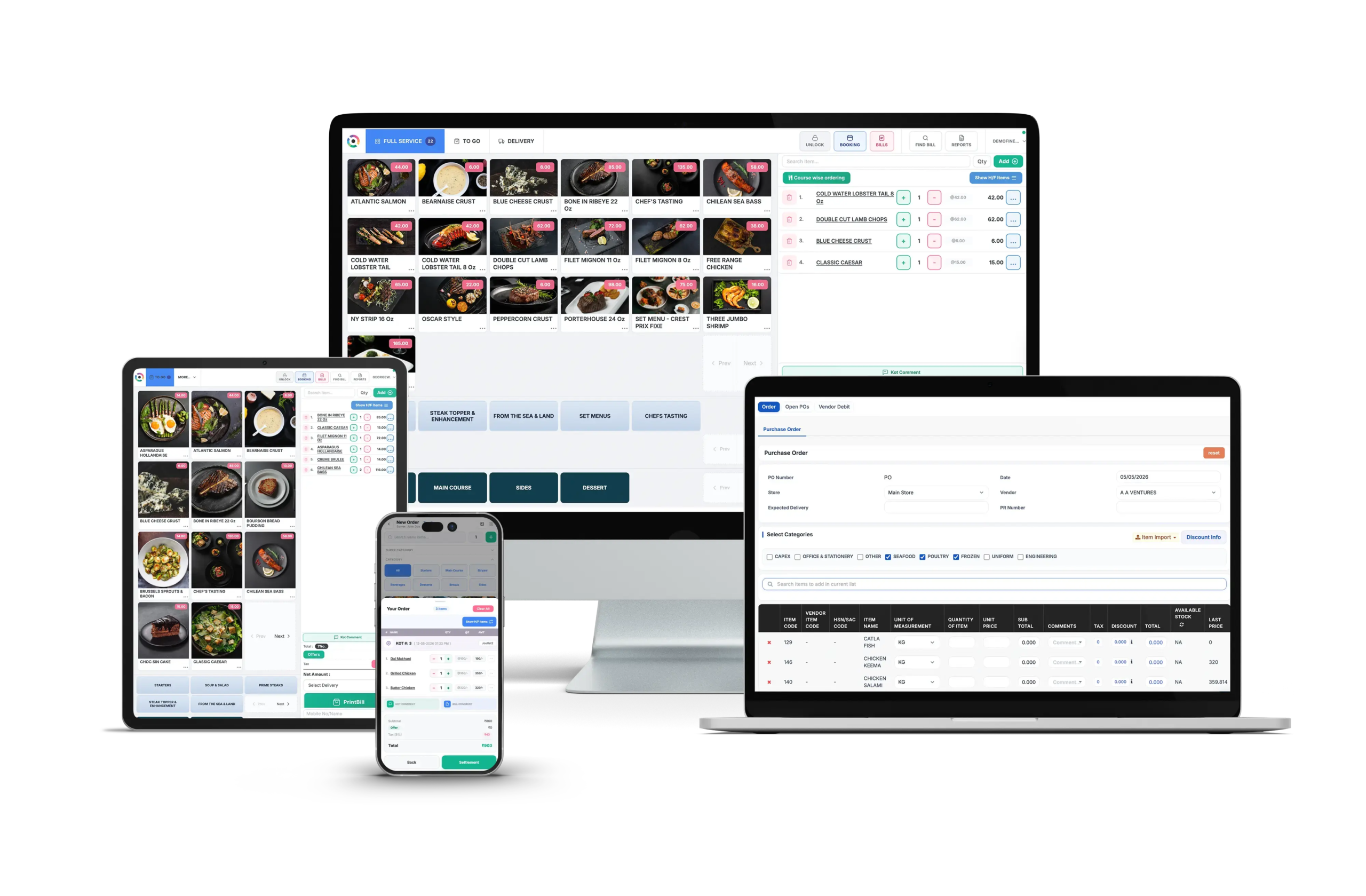
Restroworks is the go-to restaurant management software solution for over 25,000 outlets across 53 countries, and some of its most notable clients include world-famous brands like Taco Bell, Denny’s, Subway, Sbarro, etc.
What I really love about RestroWorks is how the tool is not just built to protect margins on the back end, but it also helps you actively grow revenue on the front end too. Plus, there’s this dedicated RestroNext digital ordering suite that gives operators –
- A branded website
- A native app
- QR-code table ordering, and
- Self-order kiosks
And the best part is that it all comes absolutely commission-free, so guests can order directly through the brand instead of a third-party aggregator taking a cut.
As for the architecture itself, Restroworks runs on a scalable BFCD model, i.e., short for Brand, Format, Cluster, Deployment, which gives you visibility and control across all formats and locations from one unified place.
What Does It Offer?
- A centralized dashboard for brand-level (but outlet-flexible) control over menus, pricing, and recipes.
- Ability to scale your business across brands, formats, and countries, especially through its –
- Hardware-agnostic architecture
- Multilingual and multi-currency support
- AI-powered aggregator control that lets you update everything with just a prompt, then auto-sync it all back to your POS.
- End-to-end recipe and inventory management, which means you can –
- Link menu item to exact ingredient usage
- Automate your inventory updates based on sales
- Track inventory variance to identify margin leakage
- A real-time business intelligence dashboard that gives you full-on visibility into your revenue, menu performance, sales, etc., across every outlet.
- An open API ecosystem with over 500 integrations.
| Pros ✔️Consolidates all the data in one place, so there’s no reconciliation gap. ✔️It can easily be customized/adapted per your restaurant model. ✔️Particularly handy for operators who have to handle multiple brands, formats, and locations at once. ✔️Reliable uptime (99.5%) with an offline mode, which means you don’t have to worry about your operations going down in case there’s a power cut or the internet is unstable. ✔️No vendor lock-in on hardware, OS, or payment gateway. ✔️Round-the-clock support during implementation and beyond. | Cons ❌Restroworks will better suit operators managing multiple locations, brands, or complex workflows, rather than those only looking for POS-centric capabilities. ❌Enterprise-level features can come with a real onboarding and training curve. |
#2: Oracle
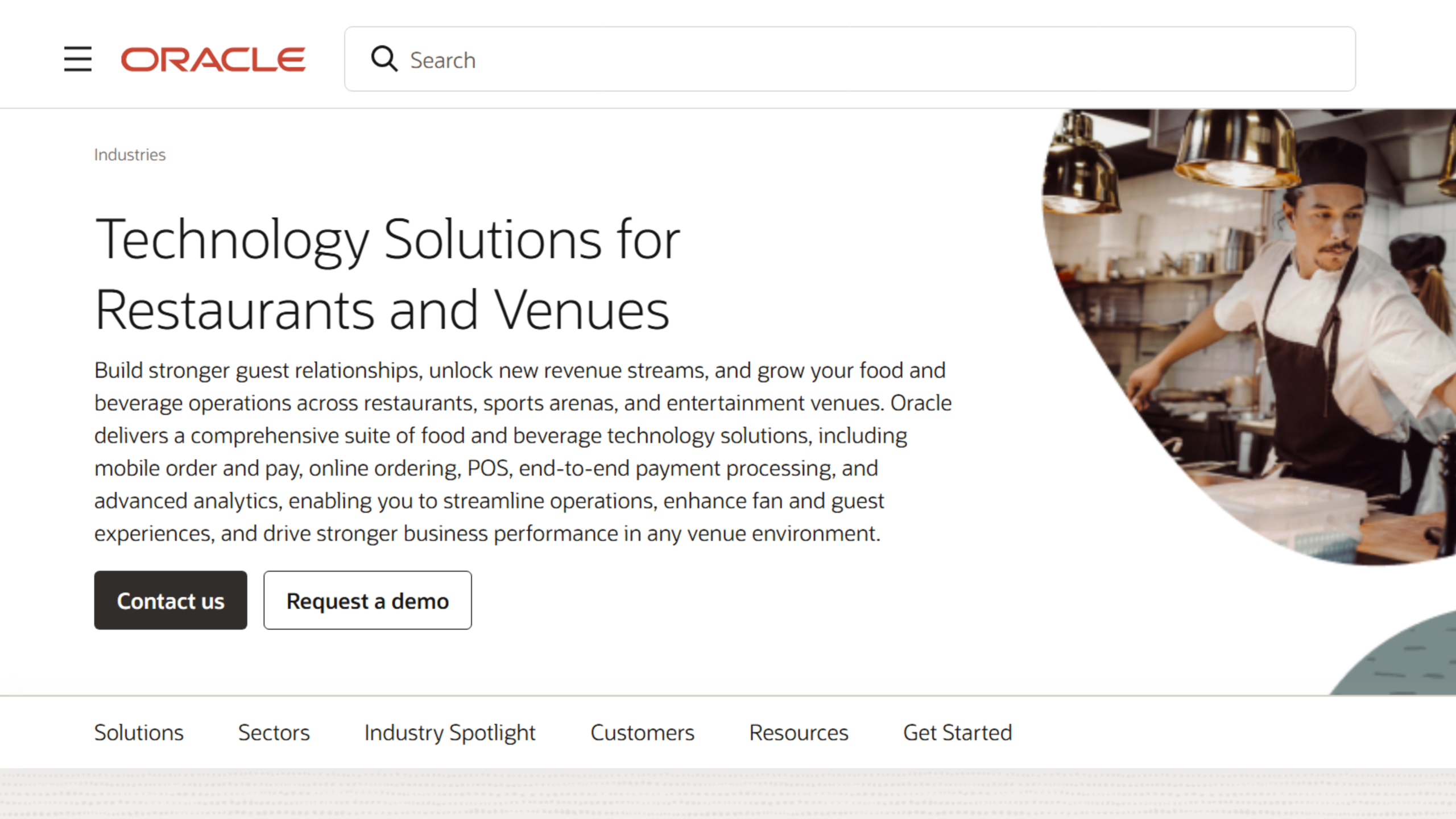
Whether you’re running a cafe, a fine dining restaurant, a QSR chain, a stadium, a theme park, or literally any restaurant model, luxury or entertainment spot/venue, etc.,…I would suggest you consider Oracle’s food and beverage tech solution.
It helps you-
- Take orders in-store, online, and on mobile.
- Accept and process payments, an important term – securely.
- Manage your POS and day-to-day restaurant operations.
- Improve guest and fan experiences with faster, more convenient service.
- Track sales, performance, and business insights.
- Scale your operations across one or thousands of locations from a single platform.
At the center of this offering is Simphony, Oracle’s cloud POS platform, which has a roughly 40-year lineage tracing back to the MICROS POS systems Oracle acquired in 2014.
What Does It Offer?
- An all-in-one cloud-based system to connect your front-of-house, back-office, and kitchen operations.
- Multilingual, multi-currency, and region-specific compliance capabilities.
- Restaurant hardware including but not limited to countertop terminals, workstations, mobile tablets for tableside, drive-thru, and on-the-go ordering, etc. (It works only on Oracle hardware, though!)
- Automated inventory and supply chain management through which you can –
- Track your stock levels
- Minimize waste, and
- Improve cash flow.
- An integrated kitchen display system (KDS) to streamline order routing and improve kitchen efficiency.
- Marketing and loyalty tools that leverage customer data and historical sales insights to create targeted campaigns and strengthen guest retention.
- An open API with 200+ partner integrations.
| Pros ✔️ Serves a very broad range of formats. ✔️ Supports language, currency, and regulations across 180 countries. ✔️Recognized by IDC MarketScape as a Leader in both full-service and quick-service restaurant POS software categories. ✔️Time and again, reviewers praise its strong customization, easy enterprise-wide updates across properties, and MyMicros app for reporting | Cons ❌Some reviewers feel that Oracle’s back-end setup is a bit complex and they often need extensive training to navigate through. ❌High cost ❌No bring-your-own-device option, since Simphony currently requires Oracle’s own hardware. ❌Some reviewers note the reporting module and interface (specifically the EMC module) feel dated and could use a refresh. |
#3: CrunchTime
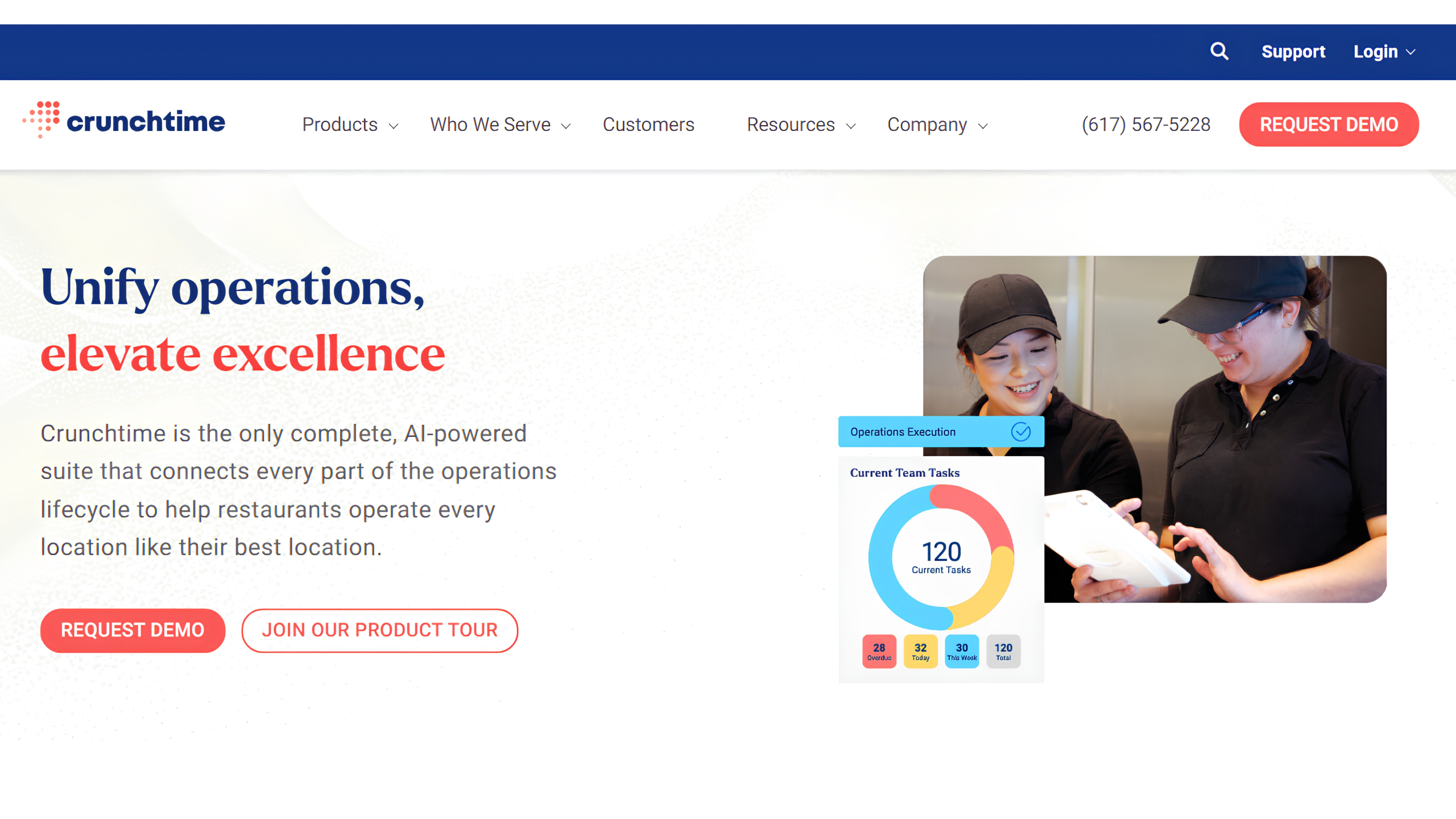
CrunchTime’s tagline is “Unify operations, elevate excellence,” and trust me, after looking through its features and all, I am sure their team isn’t exaggerating a bit. They say right now, “CrunchTime is the only complete, AI-powered suite” that helps restaurants “operate every location like their best location.”
What Does It Offer?
- AI-assisted inventory management that automates sales forecasting, vendor ordering, stock counts, and recipe management to improve inventory accuracy and control food costs.
- Demand-based employee scheduling to align workforce with expected customer demand.
- Centralized execution management that lets you view & manage your daily checklists, audits, store tasks, and company-wide rollouts from a single platform.
- Cross-functional analytics dashboard.
| Pros ✔️Deep, well-built inventory and food cost controls. ✔️Highly configurable. ✔️Integrates super easily with your existing stack. | Cons ❌CrunchTime’s interface might not be fully consistent across modules. ❌Slower/delayed customer support. |
#4: Restaurant 365
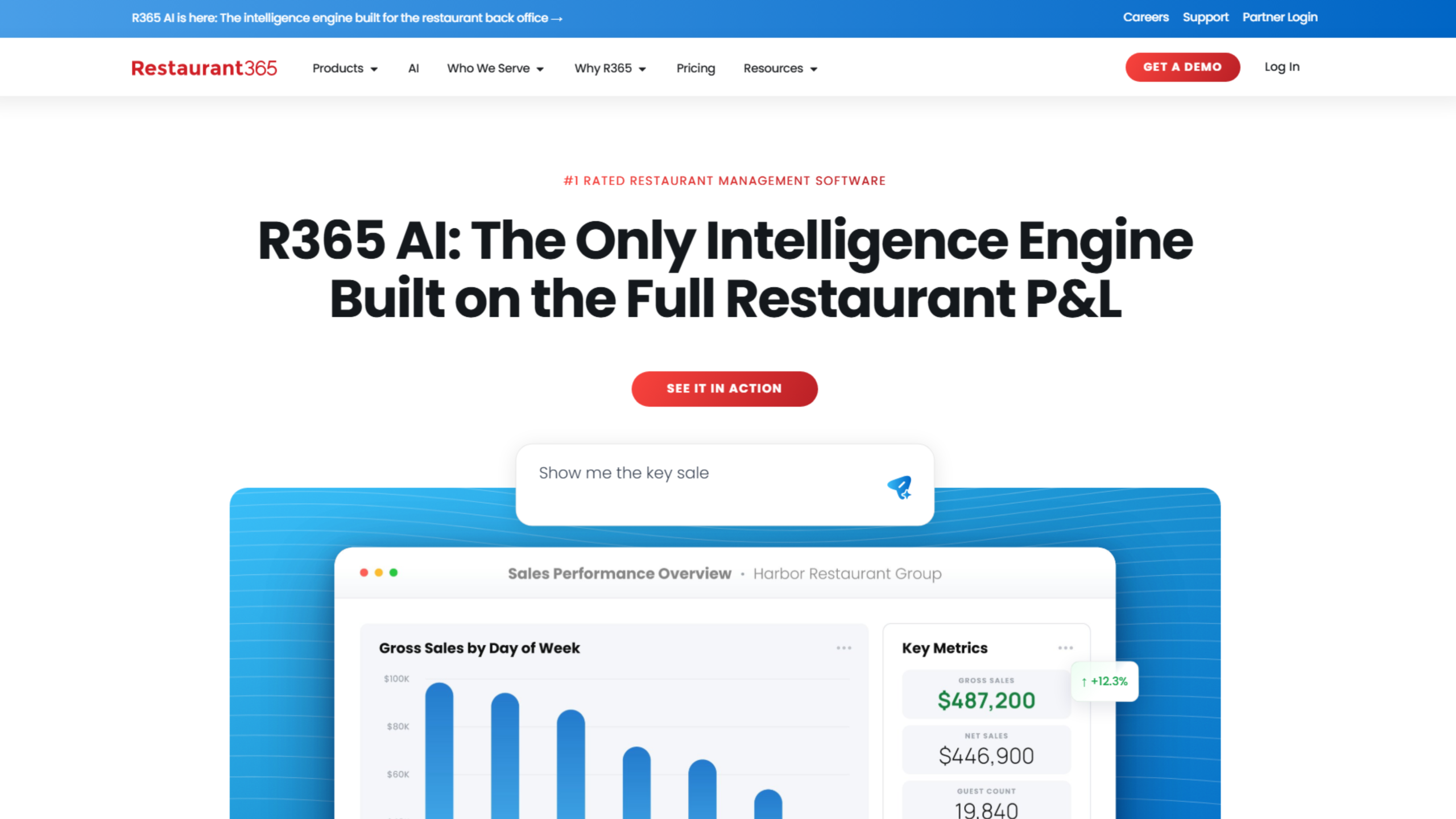
Restaurant365 is a restaurant management platform, but what I really want you to do is check on its accounting aspect because if you have been struggling with, let’s say, bookkeeping and financial reconciliation, I would definitely suggest you go with this particular tool.
It helps you:
- Manage accounting and bookkeeping from “one” system.
- Track inventory, staff costs, payroll, purchasing, and financial reports at once.
- Get a unified view of how your business is actually performing.
Even more of a must-pitch feature of Restaurant365 is its R365 AI, which layers predictive insights on top of your financial data, so you can flag cost and labor variances much earlier on.
What Does It Offer?
- Built-in accounting tools that combine –
- Financial reporting
- Accounts payable
- Budgeting, and
- Cash flow management
- Inventory and purchasing management for super simplified food cost tracking and variance correction.
- Integrated workforce management that lets you –
- Schedule staff
- Track their working hours
- Manage payroll
- Control labor costs
- Mobile access so you can approve invoices, review reports, and manage employee schedules on the go.
| Pros ✔️Syncs restaurant operations with your financial reports. ✔️Very intuitive and easy to pick up. ✔️Gives multi-location groups a centralized view across all their properties. | Cons ❌ Some feel the features are too advanced, even more than what food service businesses usually need. ❌There are a lot fewer customization options and reporting flexibility available. ❌Implementation and training take much longer. ❌Some users report gaps in payroll and reporting features. |
#5: PAR Technology
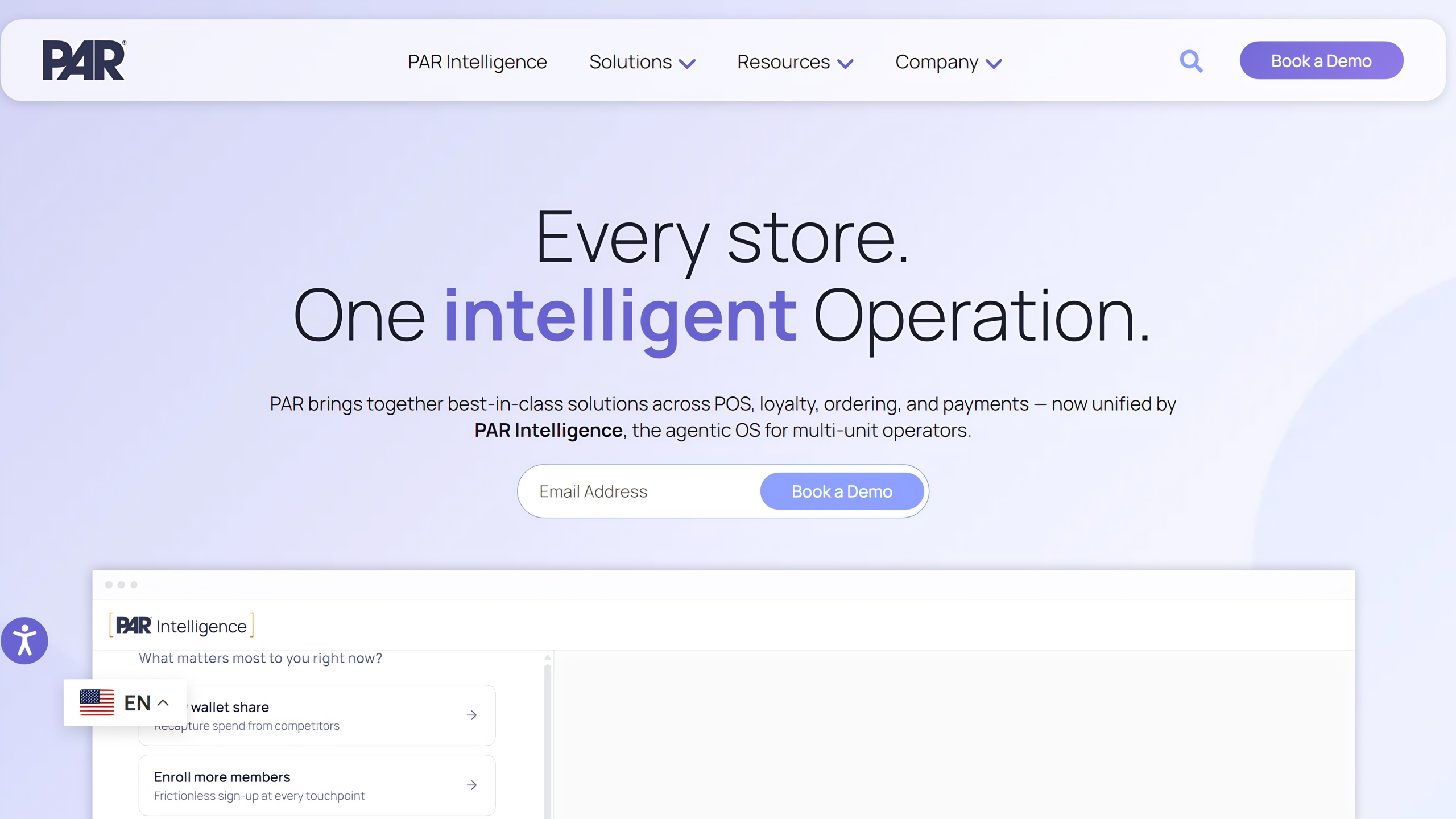
PAR Technology is a “single resource covering the entire tech stack,” from back and front of house to the drive-thru, for both single-location restaurants and multinational chains. Its current positioning centers on PAR Intelligence, described by the company as an embedded intelligence layer that delivers real-time insights on demand.
PAR’s own figures cite 350+ technology partnerships, 1.5 billion transactions processed annually, 6% average customer food cost savings, and 221 million loyalty guests served.
What Does It Offer?
- Cloud-based POS software with modern hardware designed to streamline order management and front-of-house operations.
- Centralized back-office management with multi-location reporting, staff scheduling, and operational analytics.
- AI-powered loyalty management with 200+ integrations, personalized rewards, and seamless integration into existing restaurant tech stacks.
- Unified order management across web, mobile, kiosks, and third-party delivery platforms with centralized menu control.
- Secure omnichannel payment processing with support for multiple payment devices, processors, and gift card providers.
- Drive-thru management tools with headsets, timers, and real-time tracking to improve speed, accuracy, and throughput.
- Franchise management software that centralizes operational oversight, reporting, and compliance across multiple locations.
| Pros ✔️Gives you everything you need to run a restaurant (say POS, payment processors, online ordering, loyalty, etc). ✔️It’s super duper easy to use. You can complete a basic transaction in just a few seconds. ✔️Because it’s cloud-based, you get real-time business insight, and you can push for near-instant menu updates throughout. ✔️Large partner ecosystem. | Cons ❌Independent reviews report configuration difficulties for specific workflow needs, along with a system that can feel cumbersome and limited to the program. ❌Quality of customer support. ❌Some reviewers have been reporting a quite difficult transition after PAR’s acquisition of Brink POS. ❌Less suited to menu-build-heavy formats like traditional pizzerias due to limitations with item customization. |
#6: SevenRooms
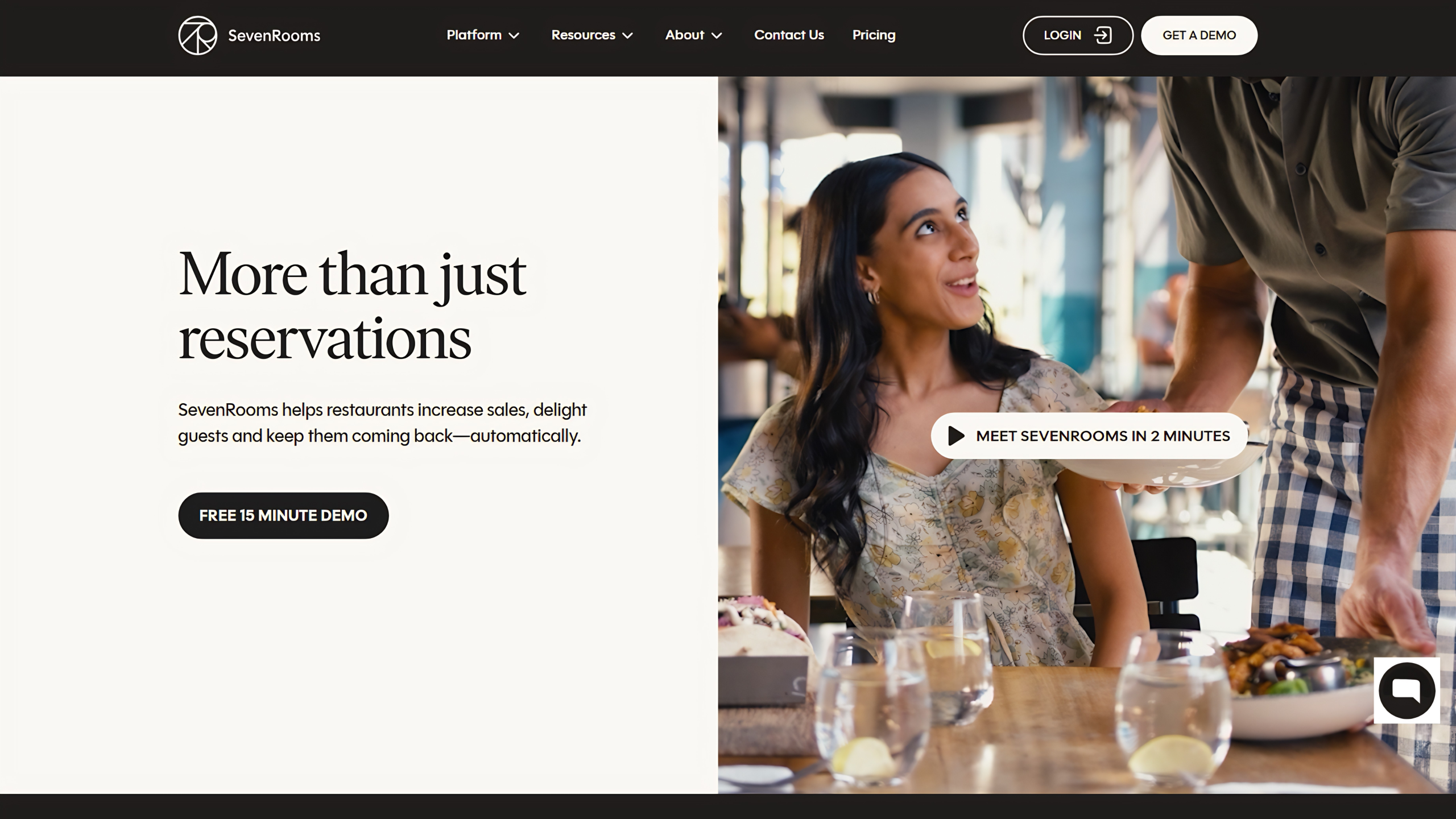
SevenRooms is centered more around guest experience than back-of-house operations, and it aims to help restaurants increase sales, delight guests, and keep them coming back automatically (yes, that’s the main goal!). The company states it’s used by 15,000+ restaurants globally, ranging from local favorites to Michelin-starred venues, and serves restaurants, hotels, clubs, bars, breweries, wineries, and other hospitality venues.
What Does It Offer?
- Reservation and waitlist management across restaurant websites and third-party channels, with Voice AI to automatically handle phone reservations.
- AI-powered table management with smart seating, pacing controls, demand forecasting, and automated waitlist management to maximize table utilization.
- Unified guest CRM that captures customer data across reservations, visits, and orders to enable personalized experiences and targeted marketing.
- Automated email and SMS marketing campaigns that engage guests based on their behavior, special occasions, and dining history to increase repeat visits.
| Pros ✔️Reviewers consistently praise SevenRooms’ ease of use and intuitive design. ✔️Users highlight that with SevenRooms they can search guest history fast and build rich, tagged guest profiles automatically. ✔️Reach across multiple booking channels (own website, DoorDash, Deliveroo, Google, Instagram, Yelp) in addition to direct bookings. ✔️Several reviewers specifically credit SevenRooms with eliminating third-party reservation fees (e.g., OpenTable’s fee-based structure) in favor of a flat rate. | Cons ❌Some reviewers describe the platform, and particularly its mobile app, as difficult to use despite the overall positive sentiment. ❌Reporting is flagged by some users as limited, with room for more filtering and better visual formats. ❌Steep learning curve for new staff. |
What Key Features Should You Look for in Restaurant Operations Software?
Again, as I mentioned earlier, almost every restaurant management system does have similar core capabilities, but features that actually give a platform built exclusively for enterprise restaurant brands an edge over single dine-in platforms are:
#1: Real-Time Inventory Tracking/Inventory Management Capabilities
With real-time inventory tracking, you can catch a variance right on the day it happens, and this matters so much because if you think about it, restaurants waste 4–10% of all food purchased annually, and without live inventory tools tied to your recipes, most of that waste is super difficult to fix or recover from.
#2: Menu Management and Menu Engineering Tools
In whatever platform you choose, you’d want the ability to update pricing, availability, and combos across every outlet from one screen, and to see which items are actually driving margin.
#3: Table Management Software for Front of House
For dine-in operations or in full-service restaurants, table management has a direct impact on guest experience and revenue. Features like smart seating, waitlist management, and table pacing help reduce wait times, improve table turns, and keep service running smoothly during peak hours.
#4: Labor Tools That Actually Connect to Demand
Since labor is one of the highest operating costs for restaurants, effective scheduling (especially one that ties staffing to forecasted sales) can help avoid overtime surprises during slow periods and understaffing during busy ones.
#5: Guest Data and Loyalty in One System
Loyalty programs and marketing automation work best when guest data isn’t siloed away from your POS and CRM. A system that captures guest data at every touchpoint- reservation, order, visit- can help you strategize better for real personalization.
#6: Delivery Management & Commission-free Online Ordering
Most aggregators charge somewhere between a 15-30% fee on every third-party order, which means it is far more logical for you to use the tool that lets you create and work through your own branded channel so as to have a commission-free online ordering experience, alongside delivery management tools with which you can ensure your kitchen is actually synced with order volume.
#7: Invoice Automation to Eliminate Manual Data Entry
Manual invoice entry, purchase reconciliation, and financial reporting take up valuable time, especially as a business grows or in the process of doing so. Software that automates these workflows reduces repetitive work, minimizes errors, and gives operators faster access to the financial data they need to make decisions.
#8: Seamless Team Management & Team Communication
As locations multiply, so does the coordination overhead; it gets super difficult to keep every location following the same standard at that scale. Features like task management, digital checklists, shift notes, and centralized communication help ensure teams stay aligned without relying on constant follow-ups from managers.
Should You Replace Your Existing Enterprise POS with an All-in-One Suite, or Layer an Operations Platform on Top of It?
See, while I can easily say go for an “all-in-one” tool, you should look back at the complexity of your operations first.
More often than not, enterprise restaurant brands pair back-office with their existing POS systems, which is, I’d say, a far more legitimate option (and often the right one) because the POS systems they are using are sure to be already in sync with their daily services, and ripping that out to adopt an all-in-one platform is not justified when you can easily layer the required features on top instead.
As far as layering is concerned, you should go for it only where you’re sure that your POS does the core job well (i.e., it offers fast, reliable transactions at the counter or table) but everything around it, like maybe your inventory tools, labor tools, centralized reporting, guest data, etc., is still fragmented. In that case, a restaurant operations software layer connects to your existing POS through its API, and you get the connected data flows without a full-on POS migration.
On the other hand, you should go for a full replacement in case you are not satisfied with your POS itself, like maybe it can’t support multi-location reporting, doesn’t integrate cleanly with modern delivery or loyalty tools, or simply can’t scale with the number of outlets you’re adding. At that point, layering more point tools on top of a weak foundation just adds cost without fixing the underlying problem. Operational complexity and cost increase with the number of integrated systems in restaurant management, so stacking five tools on top of a POS that was never built for multi-location restaurant groups or enterprises tends to compound the exact problem you’re trying to solve.
So, how do you decide what way to go? If your existing POS is reliable and already supports your front-of-house operations, extending it with an enterprise operations platform is often the lower-risk path. But if the POS itself is limiting your ability to scale, integrate new technologies, or manage multiple locations efficiently, replacing it becomes the more strategic investment.
KEY TAKEAWAY
| If you’re still unsure which restaurant management software from the above list you should really invest in, here’s a quick summary: – For unified, multi-location control across billing, inventory, digital ordering, and analytics, Restroworks’ BFCD architecture and AI-driven margin-plus-revenue layer make it the strongest choice. – For food and labor cost variance, go for CrunchTime’s forecasting-based inventory and scheduling capabilities. – For real-time accounting-to-operations reconciliation, you should consider Restaurant365. – For high-volume, multi-format, or venue-style throughput, Oracle Simphony’s POS architecture scales best. – For a single connected tech stack, PAR Technology consolidates the most integrations. – For CRM-driven guest retention and reservations, SevenRooms is THE best choice. |
Frequently Asked Questions
1. What features should enterprise restaurant management software have for scalability?
At minimum, you should look for these key features:
- Centralized reporting that pulls data from every location into one view
- Real-time inventory tracking
- Brand-level standardization with outlet-level flexibility
- An open API, so you’re not locked out of whatever tool the restaurant industry moves toward next
- Multi-currency and multi-language support if expansion is even a maybe
If a platform is missing more than one of these, it’s probably built for independent restaurants and independent operators running a single site with a handful of separate tools bolted together, not for multi-unit operators managing several locations at once.
Whatever platform you invest in should let you standardize operations at the brand level while still allowing outlet-level customization.
2. What API integrations are essential for enterprise restaurant software?
Payment gateways and delivery aggregators (Uber Eats, DoorDash, Grubhub) are non-negotiable at this point; most restaurant owners won’t even consider a platform without those. After that, you may consider integration with accounting software, loyalty and CRM integrations, workforce management tools, etc.
3. How much does enterprise restaurant management software cost for multiple locations?
When it comes to pricing transparency in this space, most enterprise platforms do not publish flat pricing past basic POS (where you may even use a real free tier or a free plan), since cost depends on number of locations, transaction volume, hardware needs, and which modules (inventory, payroll, loyalty, etc.) you’re using, so you’d almost always end up on a sales call for “custom pricing quote” either way.
Restaurant POS system cost alone can range from a low monthly fee for basic paid plans to significantly more once you add inventory, workforce, and analytics modules.
4. What security and compliance features are required for enterprise restaurant software?
For starters, look for PCI-DSS compliance for payment processing, role-based access controls so staff only see what’s relevant to their role, encrypted data storage for guest and payment data, and region-specific compliance support if you’re operating across multiple countries. This becomes especially important for multi-location chains that want centralized control over guest data across different regulatory environments.
5. How long does it take to implement enterprise restaurant management software across multiple locations?
Implementation timelines vary widely by platform and rollout scope, but multi-location deployments typically take longer than single-site setups due to staff training, hardware installation, menu and recipe migration, and integration testing across systems. Several platforms in this guide, including Oracle and Restaurant365, are noted by reviewers as having longer-than-expected implementation and training periods, so it’s worth building in buffer time rather than assuming a fast rollout.
6. What is the difference between restaurant POS and enterprise restaurant management software?
A restaurant POS system is primarily built to process orders and payments at a single point of sale. Enterprise restaurant management software goes further, bringing POS, inventory, labor, CRM, loyalty, and reporting together into one connected system across every location. Many enterprise restaurant brands pair back-office platforms with traditional POS systems rather than replacing the POS entirely, using the management layer to unify everything the POS alone can’t handle.